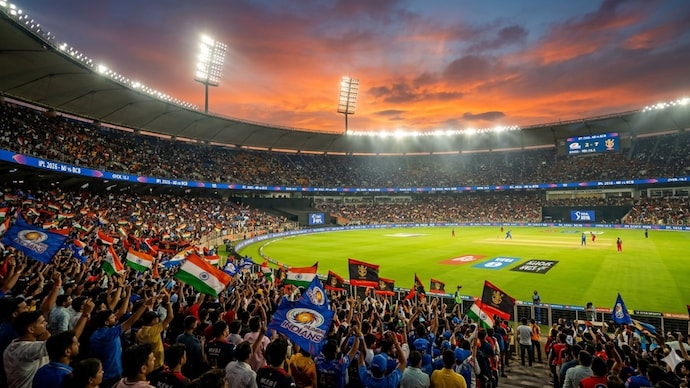
IPL 2026 fan edits are no longer just about match clips and jersey selfies. The posts getting shared fastest now look like cinematic stadium posters, floodlight celebrations, player-style walkouts, and dramatic fan reels that feel ready for Instagram, X, and Snapchat.
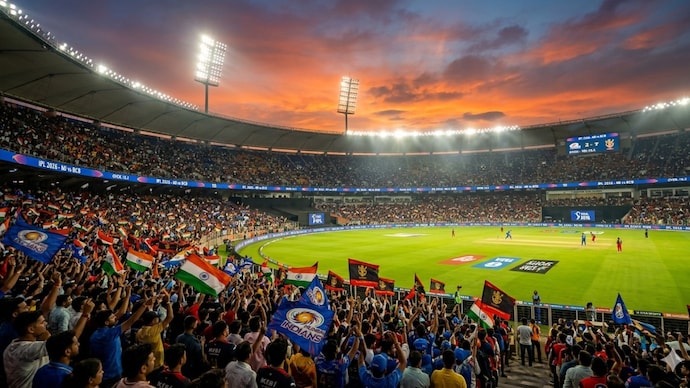
The problem? Most people type “make IPL photo” and get a flat, generic image. The difference between an average edit and a viral-looking one is the prompt structure: camera angle, lighting, stadium mood, outfit details, motion, and reel pacing.
| Prompt Type | Best For | Why It Goes Viral |
|---|---|---|
| Stadium poster photo | Instagram profile posts | Looks like a professional match-day campaign |
| Captain selfie scene | Stories, Snapchat, fan pages | Feels personal, emotional, and shareable |
| Cinematic video reel | Instagram Reels, YouTube Shorts, X | Combines motion, lights, crowd, and music timing |
How to Use These IPL 2026 Prompts Properly
Before you copy the prompts, set up your workflow. Open the ChatGPT app, tap the plus button, and upload the photo you want to transform. A front-facing selfie works, but a full-body photo in a plain outfit gives better results for jersey edits, stadium walkouts, and celebration shots.
If you want to turn the image into a video, first generate a strong image prompt with ChatGPT (check current price on Amazon), then paste the image and motion prompt into Luma (check current price on Amazon), Runway (check current price on Amazon), or a similar video tool. For final editing, add music, speed ramps, captions, and transitions in CapCut (check current price on Amazon). You can also check our guide to best creative tools for social media edits if you want more options.
Use This Simple Formula
- Subject: You, a fan, or a fictional cricket-inspired character.
- Scene: IPL 2026 stadium, night match, packed crowd, fireworks.
- Camera: Wide-angle, drone shot, low-angle hero shot, close-up selfie.
- Lighting: Floodlights, neon glow, golden trophy light, cinematic shadows.
- Style: Realistic, high-detail, sports poster, 4K, dramatic color grading.
5 ChatGPT Prompts for Trending IPL 2026 Stadium Photos and Viral Videos
1. The Cinematic IPL 2026 Stadium Entry Prompt
This is the safest prompt if you want a hero-style fan poster. It works best with a standing photo where your face is visible.
Copy this prompt:
“Transform my uploaded photo into a cinematic IPL 2026 stadium entry scene. Keep my face realistic and recognizable. Show me walking through a glowing stadium tunnel into a packed night cricket arena, wearing a modern cricket fan jersey in bold team-style colors without using official logos. Add dramatic floodlights, smoke effects, cheering crowd, LED boards, confetti, and a powerful match-day atmosphere. Use a low-angle camera view, realistic shadows, detailed fabric texture, sharp facial details, and professional sports poster color grading. Make it look like a viral Instagram match-day poster, ultra-realistic, 4K, vertical 9:16.”
Best use: Instagram posts, profile pictures, fan-page graphics, story covers.
2. The Viral Captain Selfie Stadium Prompt
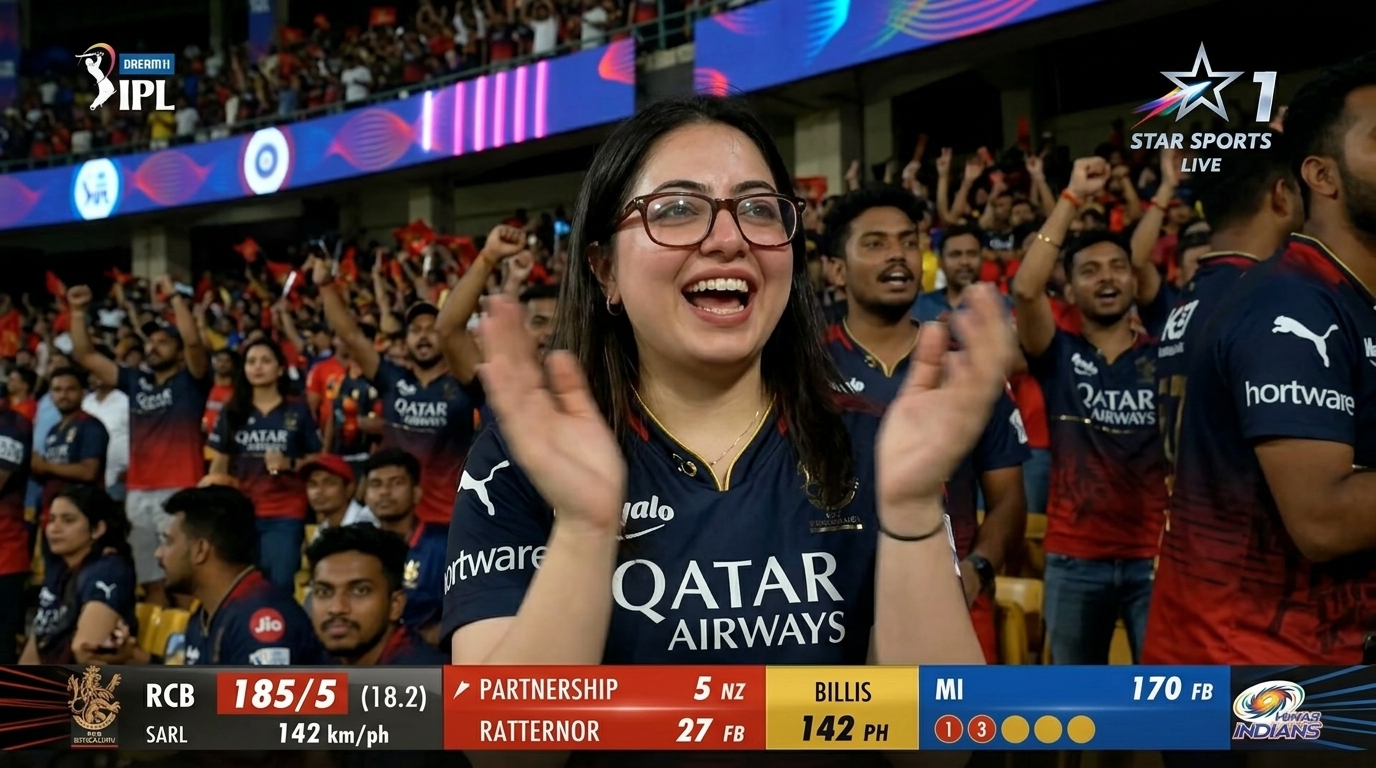
Selfie-style edits are trending because they feel personal. The key is to keep it fan-made and respectful, not something that pretends to be an actual real-life moment.
Copy this prompt:
“Create a realistic fan selfie inside a packed IPL 2026 cricket stadium at night. Use my uploaded photo as the main fan. Show me smiling near the boundary rope with a fictional star cricket captain beside me, both looking at the camera. Do not copy any real player’s exact face; make the captain original but inspired by elite cricket energy. Add stadium floodlights, fans waving flags, blurred players warming up in the background, colorful jerseys, and a celebratory atmosphere. The photo should look like a high-quality smartphone selfie, natural skin texture, realistic depth of field, bright stadium lighting, vertical 9:16.”
Best use: Snapchat stories, Instagram close friends, funny fan edits, cricket group chats.
3. The Trophy Night Celebration Prompt
This prompt is made for dramatic photos with fireworks, gold light, and victory energy. It is ideal if your favorite team reaches the playoffs or final.
Copy this prompt:
“Turn my uploaded photo into an epic IPL 2026 trophy night celebration scene. Place me in the center of a huge cricket stadium, standing on the pitch under bright golden floodlights, celebrating with confetti, fireworks, and a glowing trophy-style cup on a presentation stage nearby. Add cheering fans, camera flashes, LED screens, smoke, and a premium sports broadcast look. Keep my face natural and sharp. Make the scene emotional, powerful, and realistic, like a championship poster. Use cinematic lighting, rich contrast, high detail, 4K quality, vertical 9:16.”
Best use: Final match reels, victory posts, WhatsApp status, fan-page thumbnails.
4. The Drone Shot Stadium Poster Prompt
If you want something different from normal selfies, use a drone-style prompt. These edits look expensive because they show scale: stadium, crowd, lights, and match atmosphere.
Copy this prompt:
“Create a breathtaking aerial drone-style IPL 2026 stadium visual featuring me standing confidently at the center of the cricket pitch. Use my uploaded photo for facial accuracy. The stadium should be packed with fans, glowing LED lights, fireworks above the roofline, giant screens, and a dramatic night-sky background. Make the pitch vivid green, the boundary lights bright, and the crowd colorful but slightly blurred for depth. Use a cinematic sports campaign style, ultra-wide perspective, realistic proportions, high contrast, premium poster finish, vertical 9:16.”
Best use: Posters, thumbnails, cover images, sports edits. For more cricket content ideas, visit our sports trends hub.
5. The Viral IPL 2026 Video Reel Prompt
This one is for motion tools. First create the image with one of the prompts above, then paste this into Luma (check current price on Amazon) or Runway (check current price on Amazon).
Copy this video prompt:
“Animate this IPL 2026 stadium image into a cinematic 6-second vertical video. Start with a slow push-in camera movement toward the subject. Add moving smoke, flashing stadium floodlights, waving crowd, falling confetti, subtle jersey movement, fireworks in the background, and realistic camera shake like a live sports broadcast. Make the subject look powerful and confident, with dramatic match-day energy. Keep the face stable and natural. Use smooth motion, high detail, realistic lighting, and a viral Instagram Reel style.”
Best use: Instagram Reels, YouTube Shorts, X posts, fan edits with trending audio.
Best Tools for Making IPL 2026 Stadium Photos and Reels
| Tool | Best Use | Recommended For |
|---|---|---|
| ChatGPT (check current price on Amazon) | Writing and improving prompts | Beginners who need clean, detailed prompt ideas |
| Luma (check current price on Amazon) | Turning images into cinematic videos | Reels with camera movement and stadium effects |
| Runway (check current price on Amazon) | Advanced video generation and motion control | Creators who want polished sports edits |
| CapCut (check current price on Amazon) | Music, captions, transitions, speed ramps | Final reel editing before posting |
Pro Tips to Make Your IPL 2026 Edits Look More Real
- Use vertical 9:16 for Reels, Shorts, and Snapchat.
- Avoid official team logos unless you have permission. Use inspired colors instead.
- Keep faces stable by asking the tool to preserve identity and natural skin texture.
- Add realistic camera language like low-angle, drone view, close-up, depth of field, and motion blur.
- Post during match hours for better engagement, especially after big sixes, wickets, or final-over moments.
If you shoot your own source photos, a good phone camera helps a lot. See our smartphone camera guides for devices that handle low light and skin tones better.
FAQ
Can I use real IPL team names in my prompts?
You can mention cricket-style colors and fan themes, but avoid copying official logos, sponsor marks, or branding if you are posting commercially. For personal fan edits, still keep it respectful and clearly fan-made.
Which photo works best for these prompts?
A clear selfie or full-body photo with good lighting works best. Avoid blurry photos, sunglasses, heavy filters, or extreme side angles because they can make the final face look less accurate.
How do I make the photo into a viral video?
Create the stadium image first, then upload it into Luma (check current price on Amazon) or Runway (check current price on Amazon) with the video prompt above. Finish the reel in CapCut (check current price on Amazon) using trending audio, captions, and quick cuts.
Can I create a selfie with a real cricket player?
For safer results, use a fictional captain or cricket-inspired character instead of copying a real player’s exact face. That keeps the edit fun and avoids making it look like a misleading real photo.
What is the best prompt for beginners?
Start with the Cinematic IPL 2026 Stadium Entry Prompt. It is simple, versatile, and works well for both profile photos and match-day posts.
Final Verdict
If you want one prompt to start with, use the Cinematic IPL 2026 Stadium Entry Prompt. If you want maximum shares, pair the Trophy Night Celebration Prompt with the Viral IPL 2026 Video Reel Prompt and edit it with trending audio in CapCut (check current price on Amazon).
The winning formula is simple: clear photo + cinematic stadium prompt + smooth video motion + fast reel edit. Do that well, and your IPL 2026 content will look far more premium than the usual copy-paste fan posts.
“The winning formula is simple: clear photo + cinematic stadium prompt + smooth video motion + fast reel edit.”
Recommended Productivity Gear
*Affiliate link — we may earn a small commission at no extra cost to you.