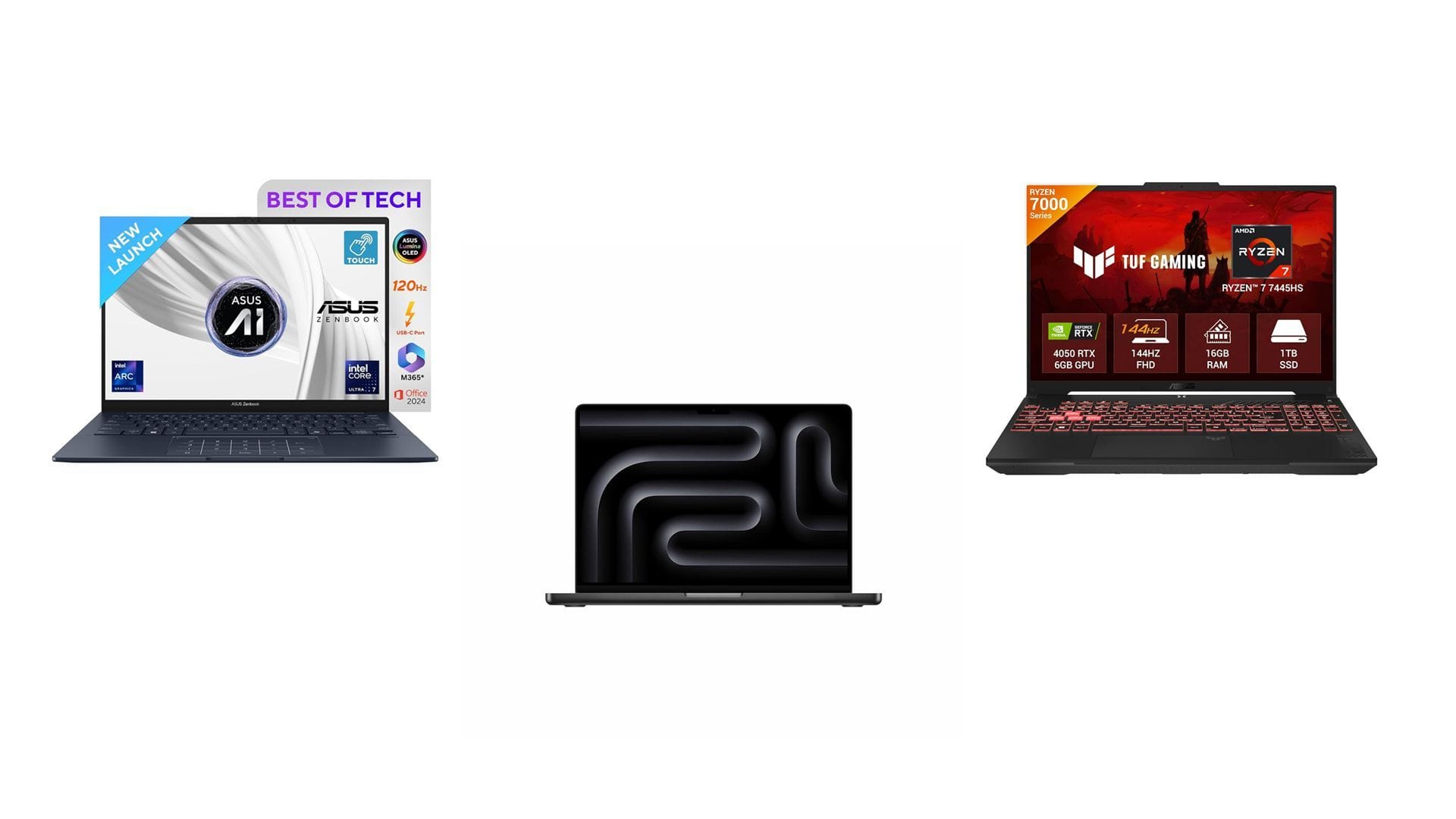
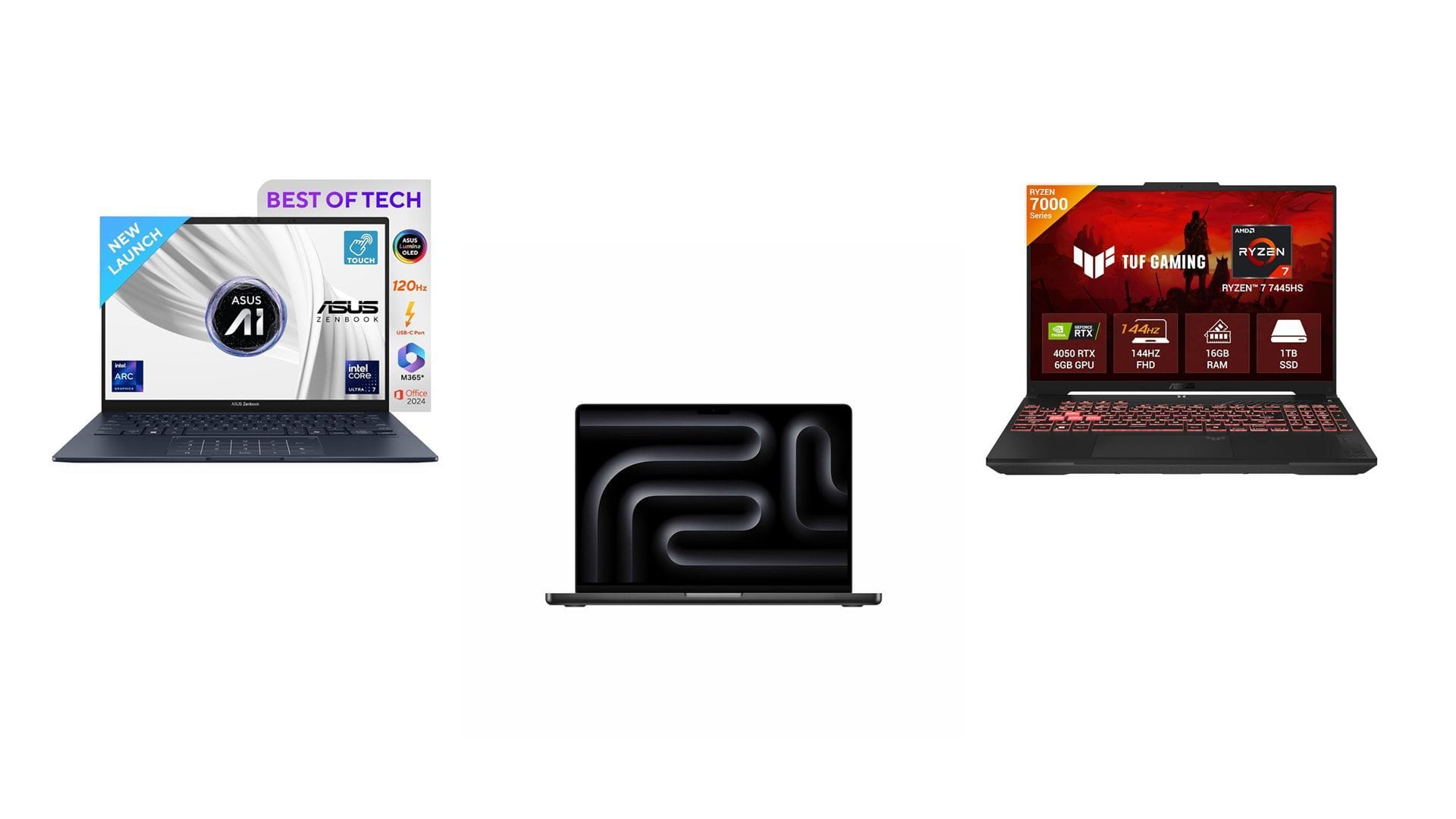
Your gaming laptop can have 64GB of RAM and still choke on an AI model that fits comfortably on a desktop GPU with 16GB of VRAM. That is the part most buyers get wrong: AI performance is not just about total memory — it is about where that memory lives, how fast it moves, and what software can use it.
If you are buying a gaming laptop in 2026 for local LLMs, Stable Diffusion, LoRA training, gaming, video work, or all of the above, the “unified memory vs dedicated VRAM” question matters more than almost any spec on the box.
RAM vs VRAM: The Simple Difference
Think of regular RAM as your laptop’s general workspace. Windows, your browser, games, Python scripts, Discord, and background apps all use system RAM.
VRAM is the GPU’s private high-speed workspace. It stores textures for games, model weights for AI, diffusion data, tensors, video frames, and anything else the graphics processor needs to access instantly.
That difference matters because AI workloads are extremely memory-hungry. When you run a local language model or generate an image, your GPU is constantly reading and writing huge amounts of data. If that data sits in fast VRAM, things move quickly. If it spills into slower system RAM, performance can fall off a cliff.
What Is Unified Memory?
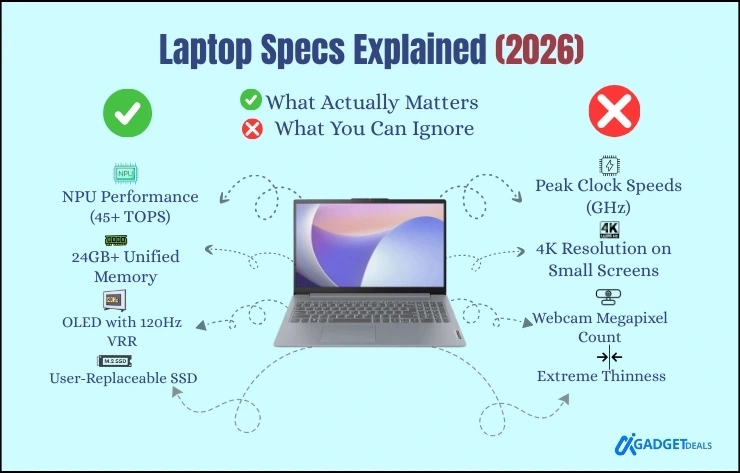
Unified memory means the CPU and GPU share the same memory pool. Instead of having 32GB of RAM plus 12GB of VRAM, a unified-memory laptop might have 64GB or 128GB that both the CPU and GPU can access.
This is common on Apple Silicon laptops, some integrated GPU systems, and certain high-efficiency laptop designs. The appeal is obvious: one big pool of memory can load larger models than a small VRAM chip can.
For example, a laptop with 64GB of unified memory may be able to load a bigger quantized LLM than a gaming laptop with only 8GB of VRAM. But loading the model is only half the story. Running it fast, training adapters, using CUDA tools, and getting broad app support are where dedicated VRAM usually wins.
Dedicated VRAM: Why Gaming Laptops Still Dominate Local AI
Most gaming laptops with NVIDIA RTX GPUs use dedicated GDDR memory attached directly to the GPU. That is the memory used by CUDA, Tensor cores, PyTorch, Stable Diffusion, llama.cpp GPU offloading, ComfyUI, Automatic1111, and many local AI tools.
The biggest advantages are:
- Much higher bandwidth than standard system RAM in many cases
- CUDA support, which is still the default for many AI workflows
- Better gaming performance, especially at 1440p and above
- Faster image generation and model inference
- Better support for LoRA training, video AI, and GPU acceleration
If you are an “armchair local LLM tinkerer” running a 12GB RTX 3060 today, you already know the pain: 12GB is usable, but you are always thinking about quantization, batch size, resolution, context length, and whether a model will fit.
That is why, for 2026, VRAM capacity is the spec to obsess over if AI is a serious part of your buying decision.
Unified Memory vs Dedicated VRAM: Head-to-Head
| Category | Unified Memory | Dedicated VRAM |
|---|---|---|
| Best for | Large model loading, efficient laptops, creative apps | Gaming, AI inference, diffusion, LoRA training, CUDA workloads |
| Speed | Can be fast, but shared with CPU/system tasks | Usually much faster for GPU-heavy workloads |
| Capacity | Can scale to large shared pools like 64GB, 96GB, or more | Limited by GPU model, often 8GB to 24GB on laptops |
| AI software support | Improving, but more limited depending on platform | Excellent, especially NVIDIA CUDA |
| Gaming | Good on some systems, rarely best-in-class | Best choice for high-FPS gaming |
| Cost efficiency | Expensive at high capacities | Expensive too, but better performance per dollar for AI/gaming |
How Much VRAM Do You Actually Need in 2026?
Here is the practical buyer’s guide:
- 8GB VRAM: Fine for esports, older AAA games, light Stable Diffusion, and small local models. Not ideal for serious AI work.
- 12GB VRAM: Good entry point for local LLMs, SDXL with optimizations, and light LoRA training. Still feels cramped.
- 16GB VRAM: The sweet spot for many AI hobbyists. Better for larger models, higher-res diffusion, and multitasking.
- 24GB VRAM: Excellent for advanced local AI, larger context windows, bigger image workflows, and more comfortable training.
If your budget allows, do not buy a “creator” or “gaming” laptop with only 8GB of VRAM for AI in 2026 unless you know your workloads are light. It may game well today, but it will feel limited quickly for local models.

Is RAM or VRAM More Important for Gaming?
For gaming, both matter — but they matter differently.
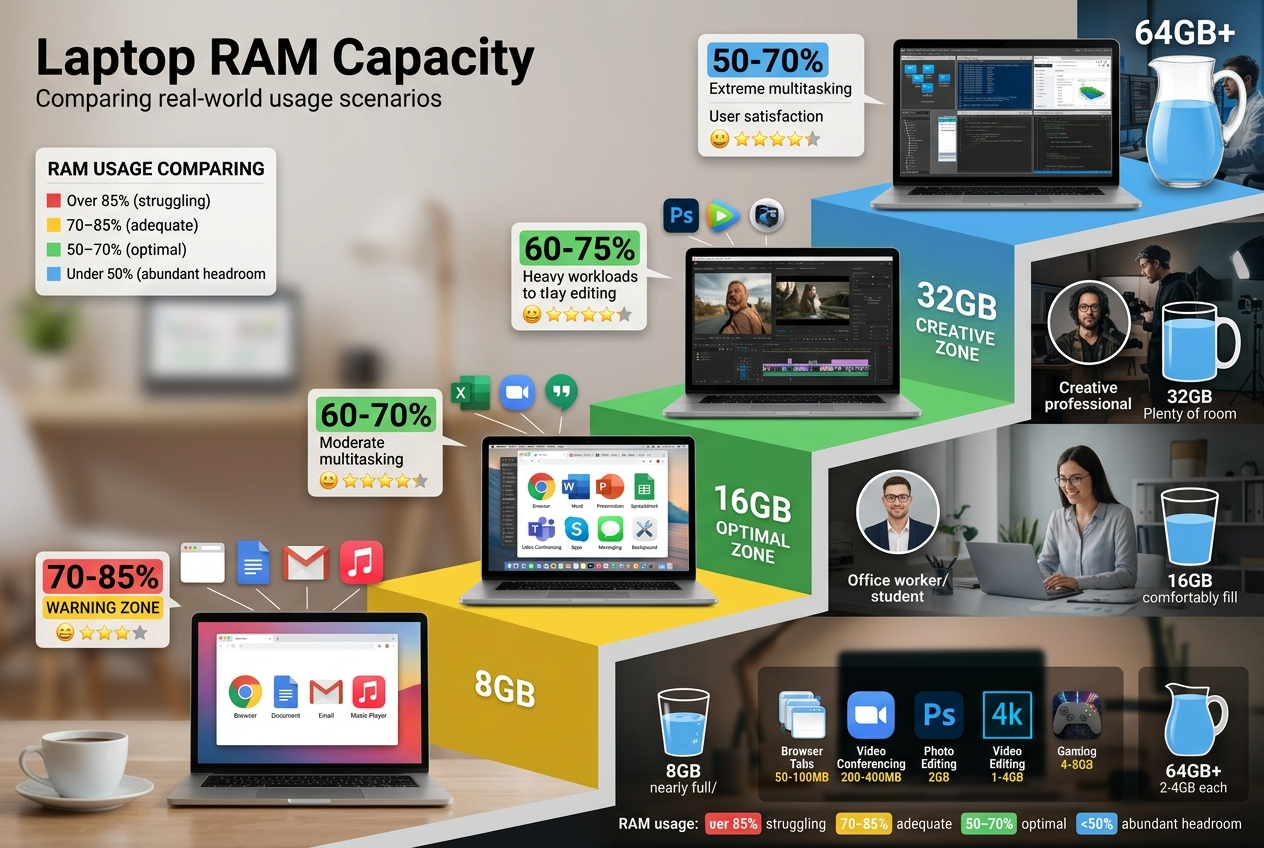
System RAM helps with overall smoothness, background apps, open-world games, and preventing stutters. In 2026, 32GB is the comfortable target for a gaming laptop, while 16GB is the minimum.
VRAM controls how well your GPU handles high-resolution textures, ray tracing, frame generation, and modern AAA games at 1440p or 4K. If a game exceeds your VRAM limit, you may see stutter, texture pop-in, crashes, or sudden frame drops.
For a gaming-plus-AI laptop, aim for:
- 32GB system RAM minimum
- 16GB VRAM or more if possible
- 1TB SSD minimum, 2TB preferred
- NVIDIA RTX GPU if you care about the widest AI tool support
What About Virtual RAM?
Virtual RAM is storage pretending to be memory. Your laptop uses part of the SSD as overflow when physical RAM runs out.
It is useful for preventing crashes, but virtual RAM is not a replacement for real RAM or VRAM. SSDs are much slower than memory, and using virtual memory heavily can make AI workflows crawl. If your model spills from VRAM to RAM, it slows down. If it spills from RAM to SSD, it gets much worse.

Best Laptop Direction for AI Tinkerers
If you want the safest 2026 purchase for local AI, gaming, and creative work, look for a gaming laptop with a high-wattage NVIDIA RTX GPU and as much VRAM as you can afford.
Good target configurations:
- Value AI/gaming setup: RTX laptop GPU with 12GB VRAM, 32GB RAM, 1TB SSD
- Strong enthusiast setup: RTX laptop GPU with 16GB VRAM, 32GB-64GB RAM, 2TB SSD
- Portable workstation setup: RTX laptop GPU with 24GB VRAM, 64GB RAM, 2TB-4TB SSD
Recommended shopping category: NVIDIA RTX 4080/4090-class gaming laptop or newer equivalent with 16GB+ VRAM [AMAZON_LINK]. For storage-heavy AI workflows, a fast 2TB NVMe SSD such as the Samsung 990 PRO is also worth considering [AMAZON_LINK].
When Unified Memory Makes More Sense
Unified memory is not bad. In fact, it can be fantastic if your priority is loading larger models into one shared memory pool, working quietly on battery, or using optimized creative software.
Choose unified memory if:
- You want a thin, efficient laptop with great battery life
- You mostly run quantized LLMs rather than heavy training
- You use software optimized for that platform
- You need 64GB, 96GB, or more shared memory in a portable machine
But if your workflow includes Stable Diffusion, ComfyUI, LoRA training, CUDA extensions, game development, Blender GPU rendering, or high-FPS gaming, dedicated NVIDIA VRAM remains the safer bet.
FAQ
Is VRAM faster than RAM?
Usually, yes. Dedicated GPU VRAM is designed for massive parallel bandwidth, which is exactly what games and AI workloads need. System RAM is more general-purpose and is shared by the CPU and operating system.
Can regular RAM replace VRAM for AI?
Not really. Some tools can offload parts of a model to system RAM, but performance drops sharply compared with keeping the model in VRAM. More RAM helps, but it does not magically turn into fast GPU memory.
Is unified memory better than VRAM for large LLMs?
It can be better for loading larger quantized models because the memory pool is bigger. However, dedicated VRAM is typically faster and has better support for mainstream AI acceleration, especially on NVIDIA GPUs.
How much RAM should a gaming laptop have in 2026?
For a normal gaming laptop, 32GB is the recommended target. For AI, content creation, virtual machines, and heavy multitasking, 64GB is better if the laptop supports it.
Should I buy a laptop with 8GB VRAM for AI?
Only for light use. An 8GB GPU can run smaller models and optimized diffusion workflows, but it is not ideal for serious local AI in 2026. If AI matters, aim for 12GB minimum and 16GB or more if possible.
The Recommendation
If you are buying one laptop for gaming and AI workloads in 2026, choose dedicated NVIDIA VRAM over unified memory. Get at least 32GB of system RAM, prioritize 16GB+ of VRAM, and leave room in your budget for a larger SSD. Unified memory is useful for certain large-model workflows, but for the widest compatibility, fastest tinkering, and best gaming performance, a high-VRAM RTX gaming laptop is the confident choice.